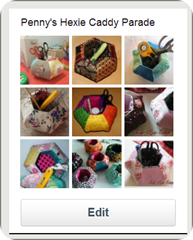
I was experimenting with Linky. I found out that you can add a link to your Flickr photo.
I will show you how I added my Hexie Caddy photo from Flick to my Hexie Caddy parade in my blog.
1. First, choose the photo .

2. See the address I circled at the address bar? Right click to ‘Copy’.
3. Go to the bottom of the Hexie Caddy Tutorial post.

4. Click on the “Click here to enter’.

5. Right click in the ‘Link it to’ box, and paste the address you copied in step #2.
6. Add your caption or title.

7. Click on ‘ From Web’.
8. Select your image, crop , click ‘Ok’ and you should be able to see your thumbnail in my Hexie Caddy Parade !

So if you do not have a blog, but you have Flickr and have made a Hexie Caddy Pincushion, join in the Parade!